
How To Test Your Campaign
Understanding what your Candidates experience is important. You want to ensure they have the best experience possible, and to do that, we'd recommend testing your Campaign.
There are a few ways to do this, but for this example - we want to test it almost end-to-end. You won't have to complete the full interview (you can if you want!), but we'd recommend at least sending yourself the email, opening, and starting the process, just to get a feel for what your candidates will experience.
Launching A Test Candidate
Once you've set up your Campaign, you can import candidate from your ATS, via a CSV or Resume upload, or by manually entering them.
For this example, we'll be using the manual method.
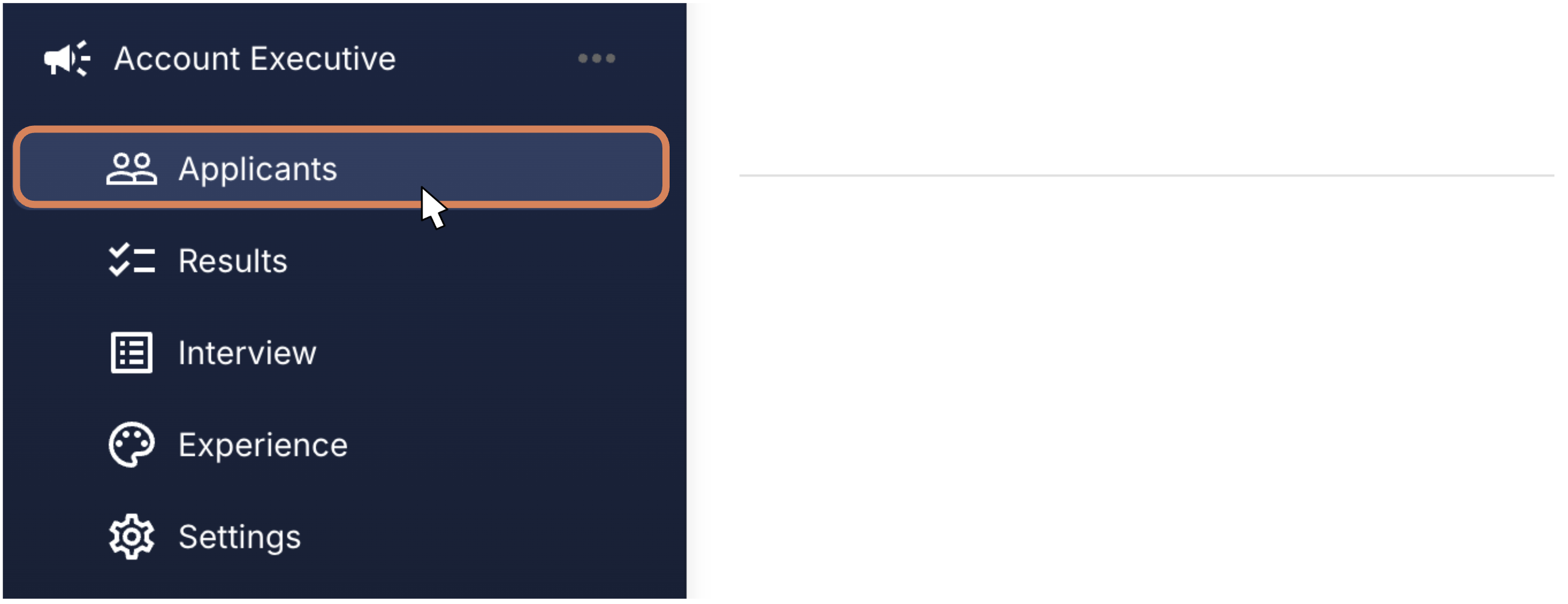
Step 1: Head into your Campaign, and then click Applicants
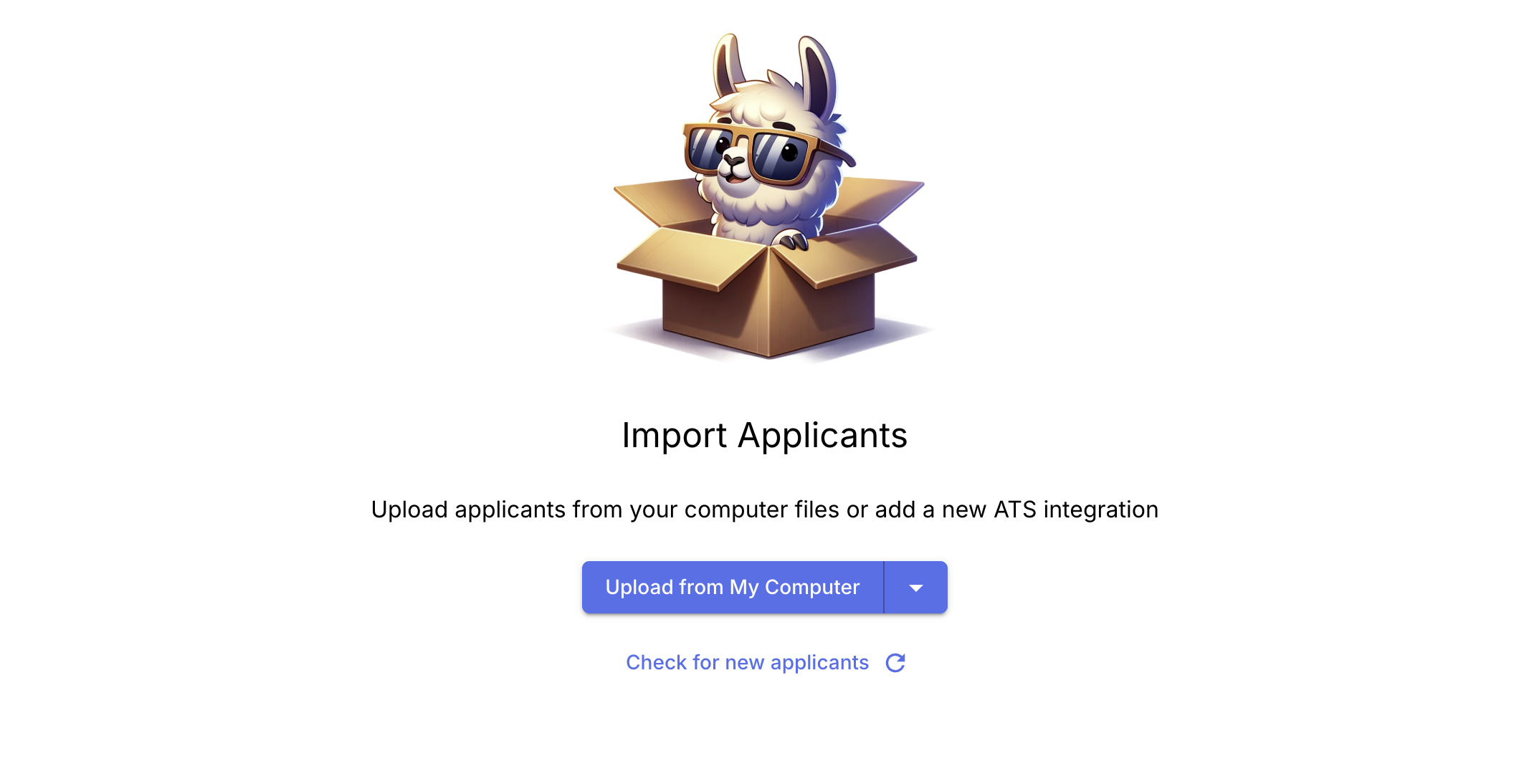
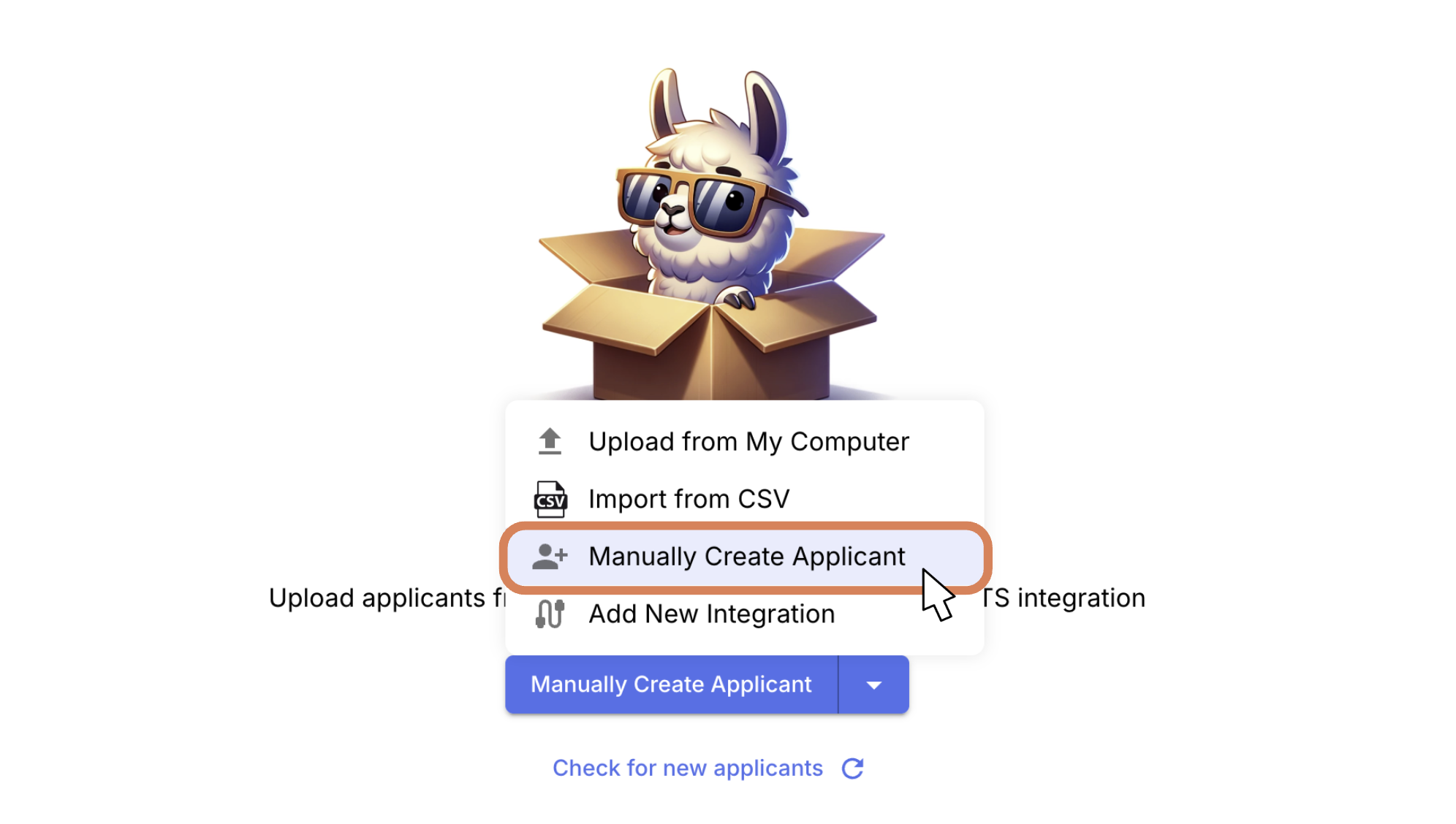
Step 2: If you haven't added any candidates, you'll see our friendly Llama-in-a-box. Click on Manually Create Applicant.
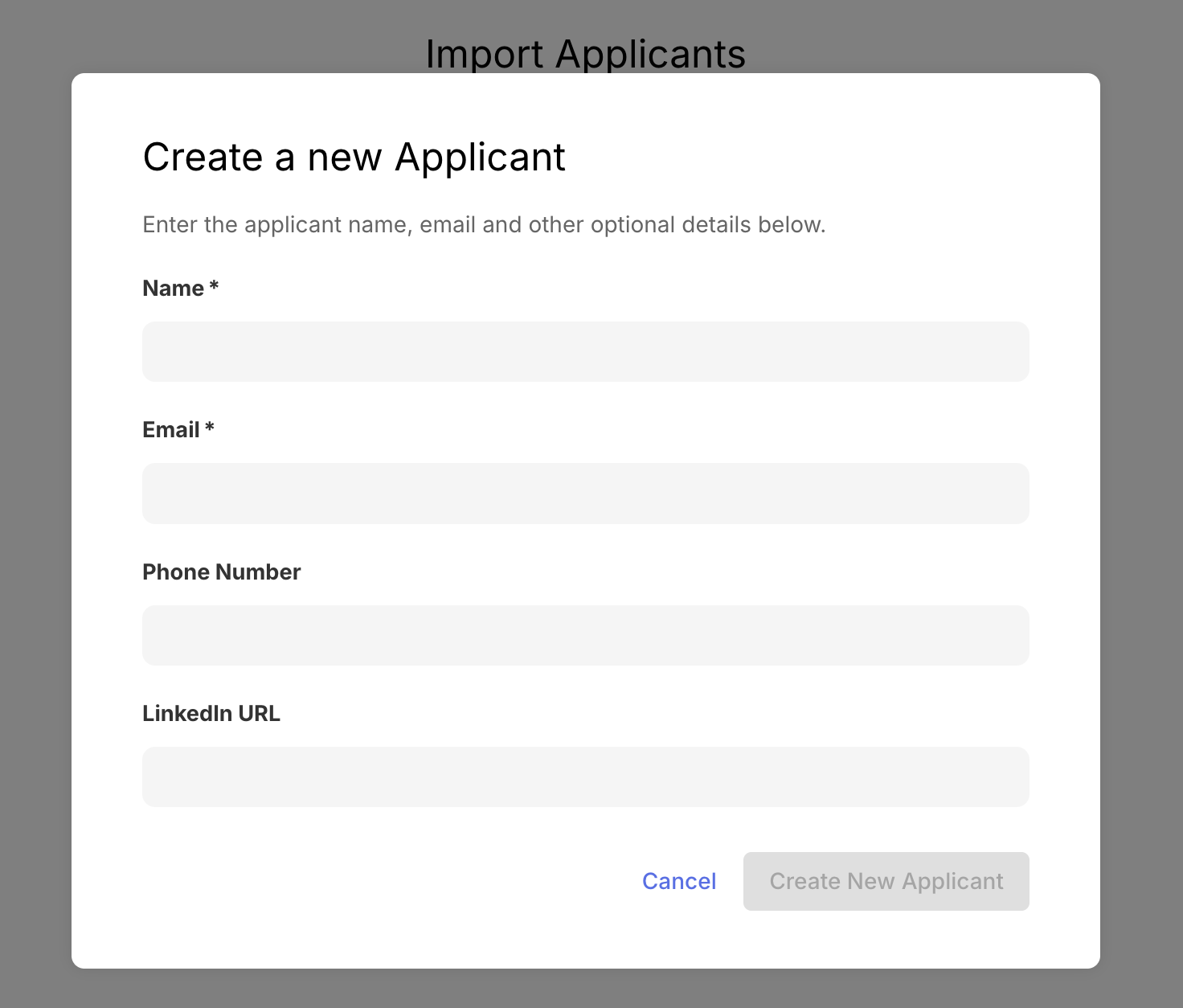
Then, enter your test candidate details (you could also use false names like 'John Doe Test' so it's easier to recognize later on), use your own email address though.
Step 3: You will then see your test candidate name appear. When you're ready to test, click Send Invitation. This will send out the invitation to your email so you can see what the candidate receives.
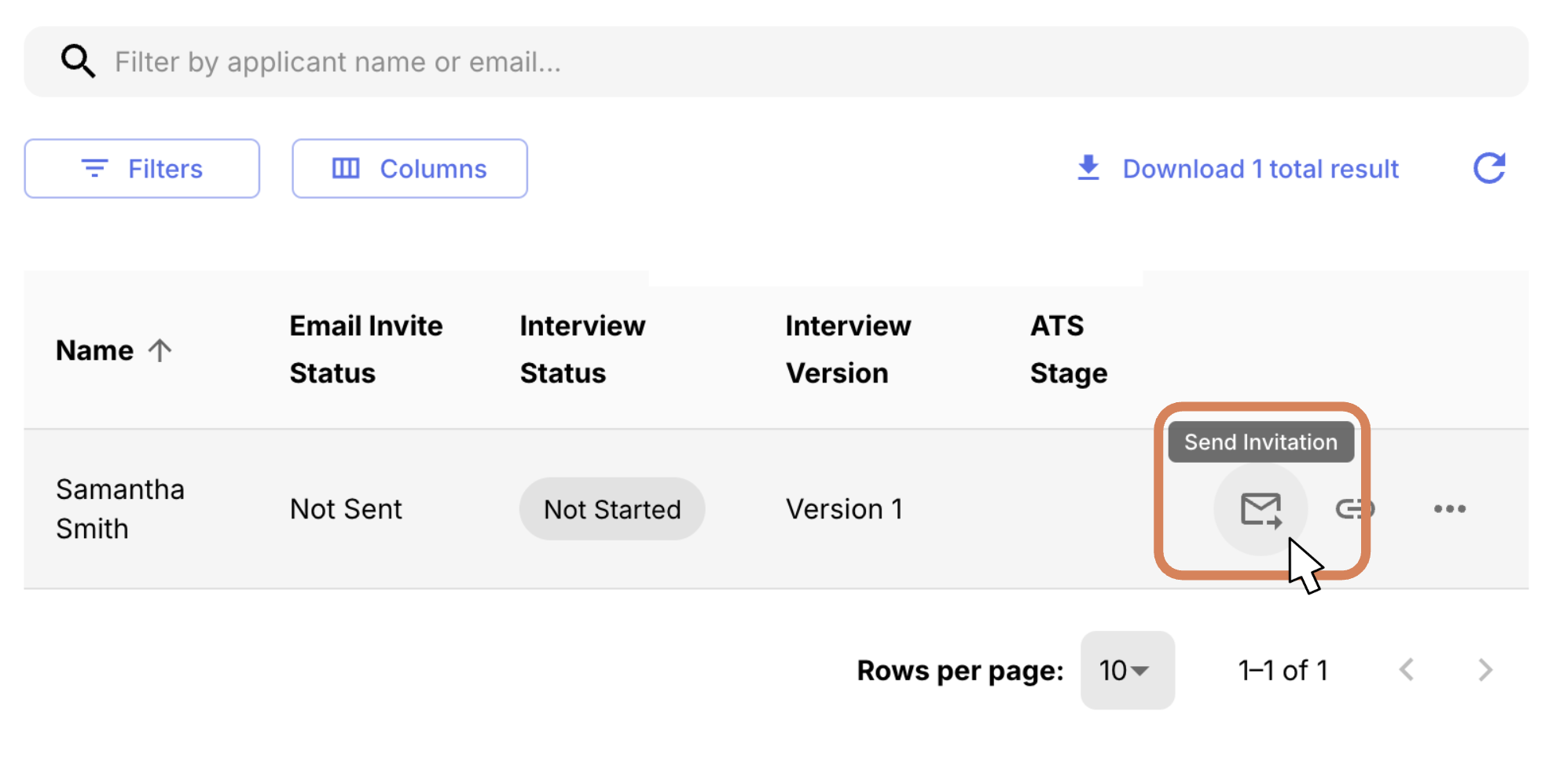
Remember, this email can be edited through Campaign > Experience > Edit.
Click the CTA button to run through the test. If you want to see the full interview results, you can go through the whole interview (you may want to use a shorter interview). Otherwise, use this to get a feel for the interview and the questions that would be asked!
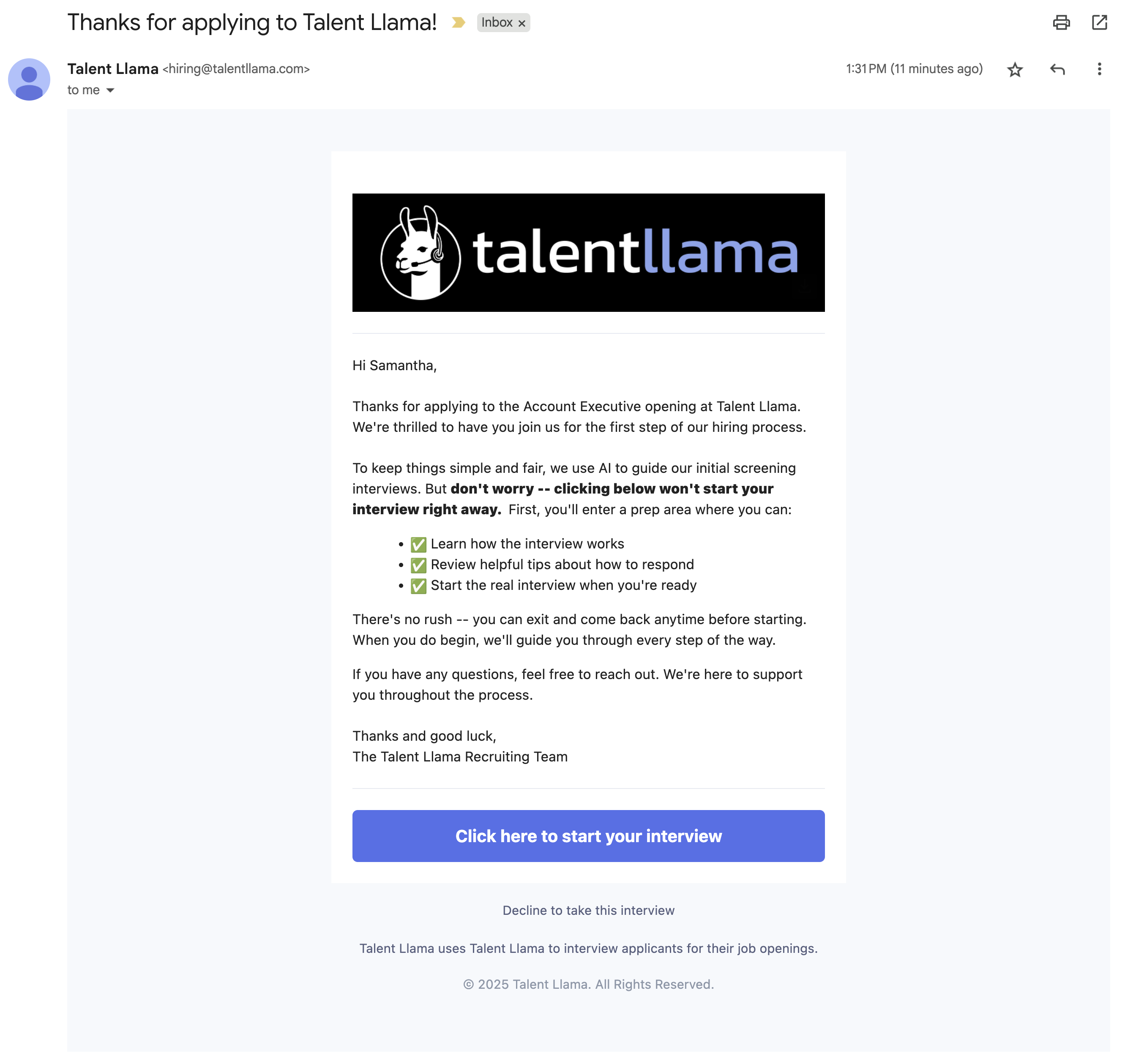
Running A Simulation
Don't have time to step through the process yourself? No worries!
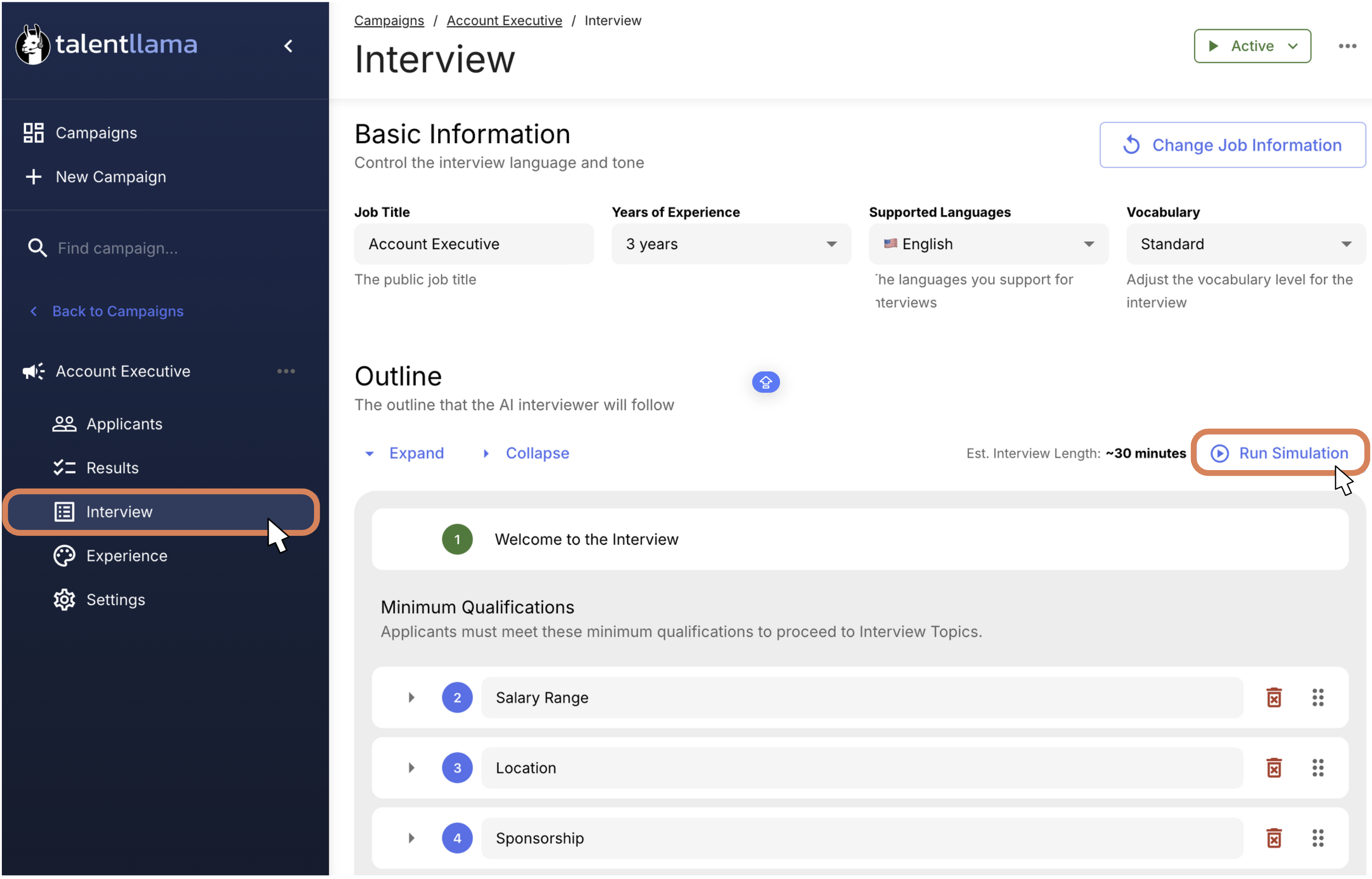
You can view a full (best case) scenario by heading into your Campaign, then click Interview, then Run Simulation.
From there, Talent Llama will generate a full interview transcript to show you what it would flow like based on your Outline, allowing you to get a feel for the flow.
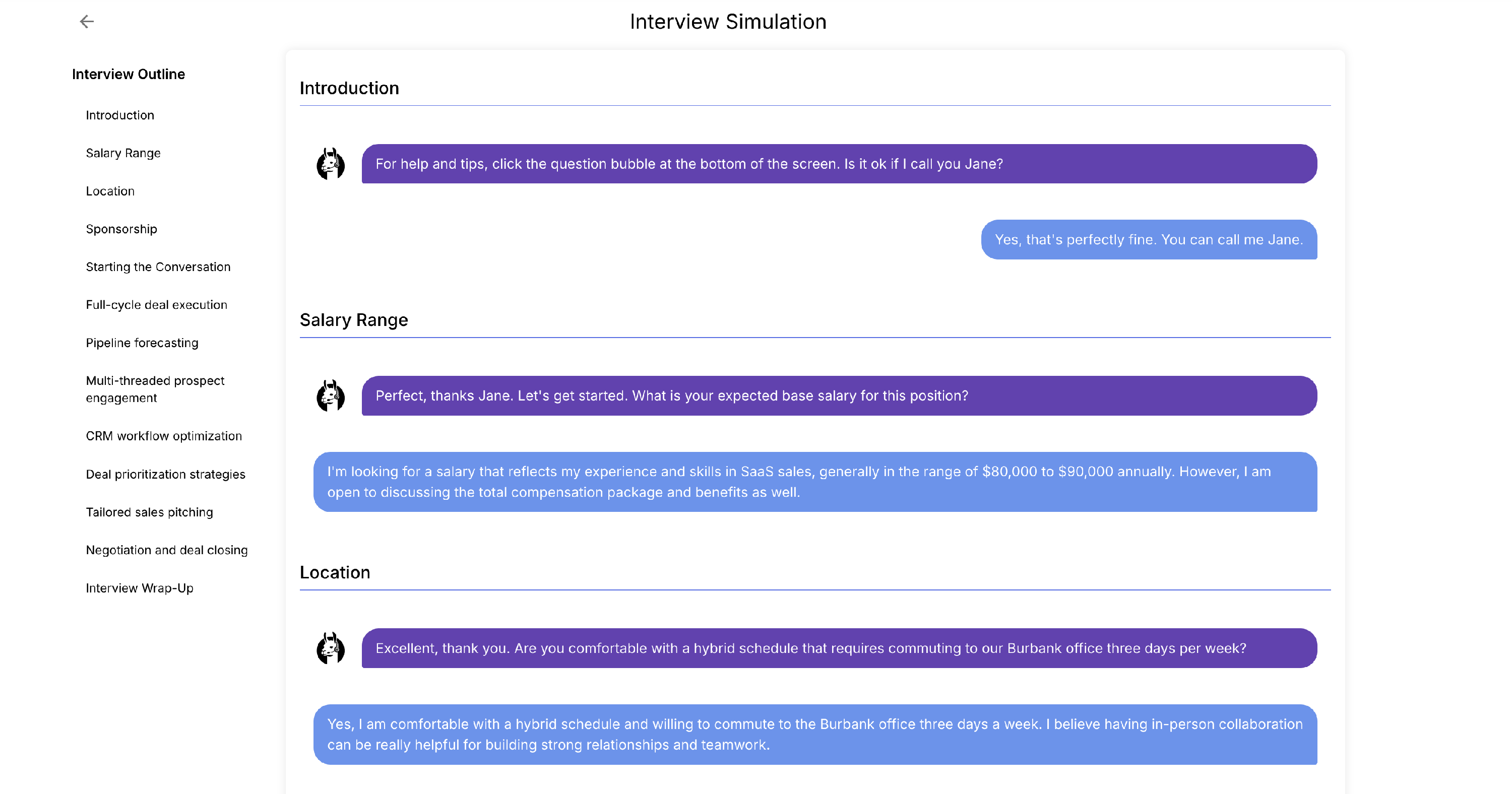
If you have questions, reach out to us at support@talentllama.com and we'll help you out!