
Adding Team Members to Your Account
Adding new team members to your Talent Llama account allows your team to collaborate on interview campaigns, manage applicants, and review candidate evaluations seamlessly. You can invite as many teammates as you need, just keep in mind, too many llamas in the kitchen can make things a little crowded. 🦙
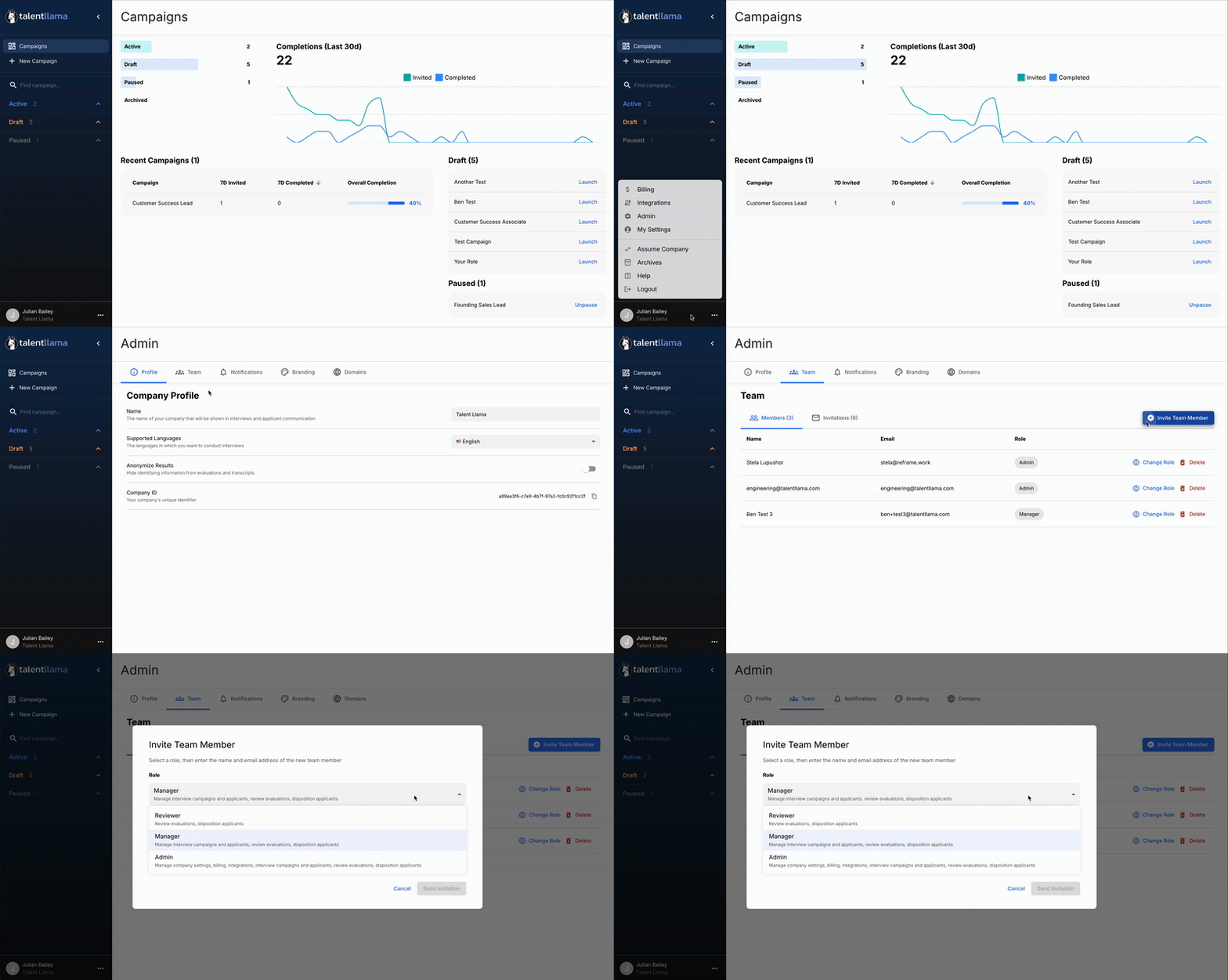
To invite someone new, head to the Team Settings area by clicking the three dots in the bottom-left corner of the dashboard. From there, click Team > Invite Team Member and enter your teammate’s name and email address.
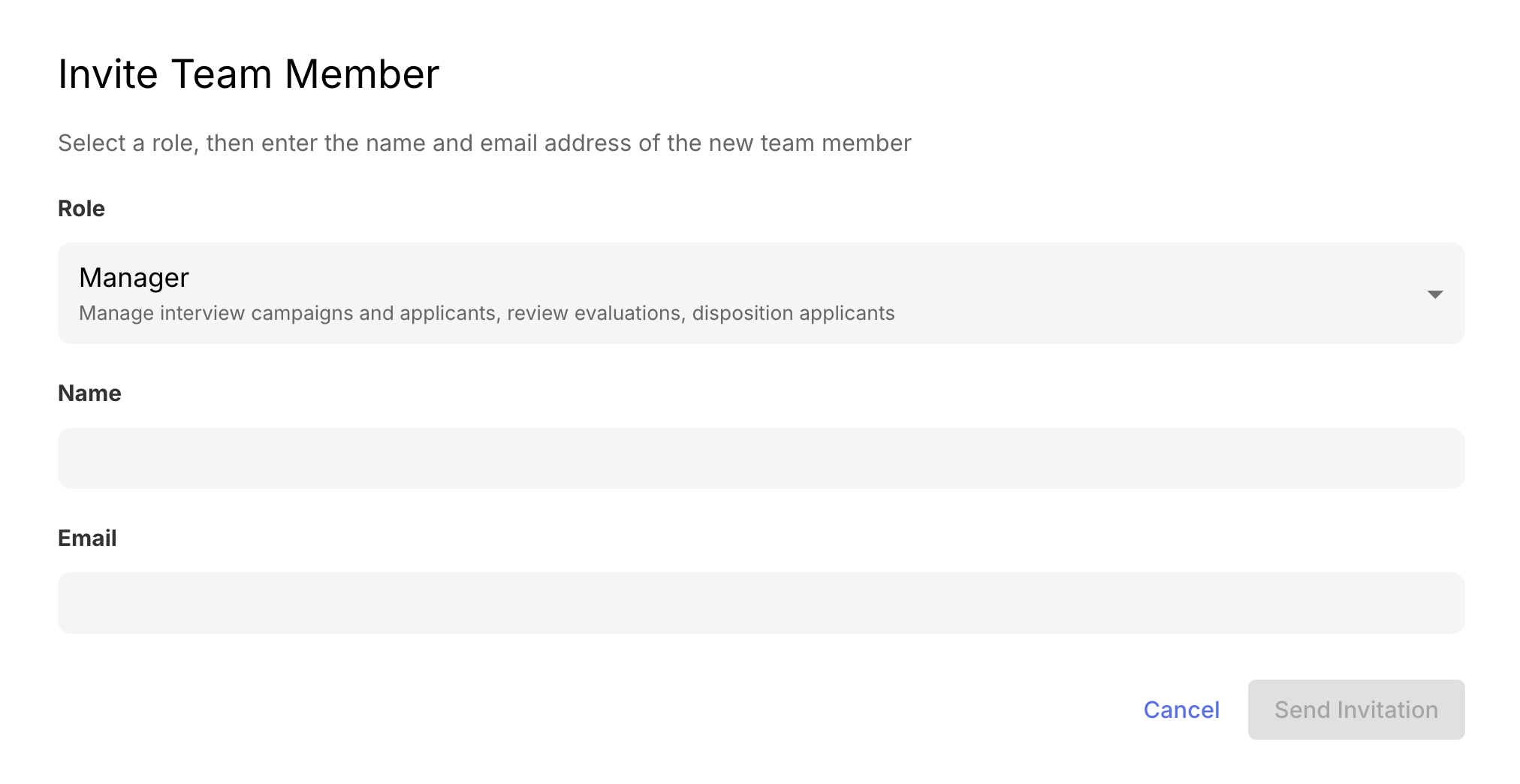
Next, assign the appropriate role based on the access they need. Reviewers can evaluate candidates and leave feedback, Managers can create and manage campaigns, and Admins have full access to settings, billing, and integrations. Once you’ve chosen a role, click Send Invite. Your teammate will receive an email invitation to join Talent Llama, and once accepted, they’ll appear in your team list with their assigned permissions.
You can update a team member’s access at any time by selecting their name in Team Settings and adjusting their role or deactivating their account if needed. We recommend limiting Admin access to those handling billing or integrations, giving Manager roles to hiring leads, and assigning Reviewer roles to interviewers and evaluators.
If you want to learn all about our roles and permissions in depth, check out our article here.
After they join, new users will see the Campaigns dashboard, where they can view or manage interviews depending on their role. From there, your entire team can collaborate efficiently on candidate screening and campaign management, keeping your hiring process fast, fair, and fully aligned.
If you have questions, reach out to our Support Team at support@talentllama.com